888-395-5000

What Is a Printing Device and How Does It Work?

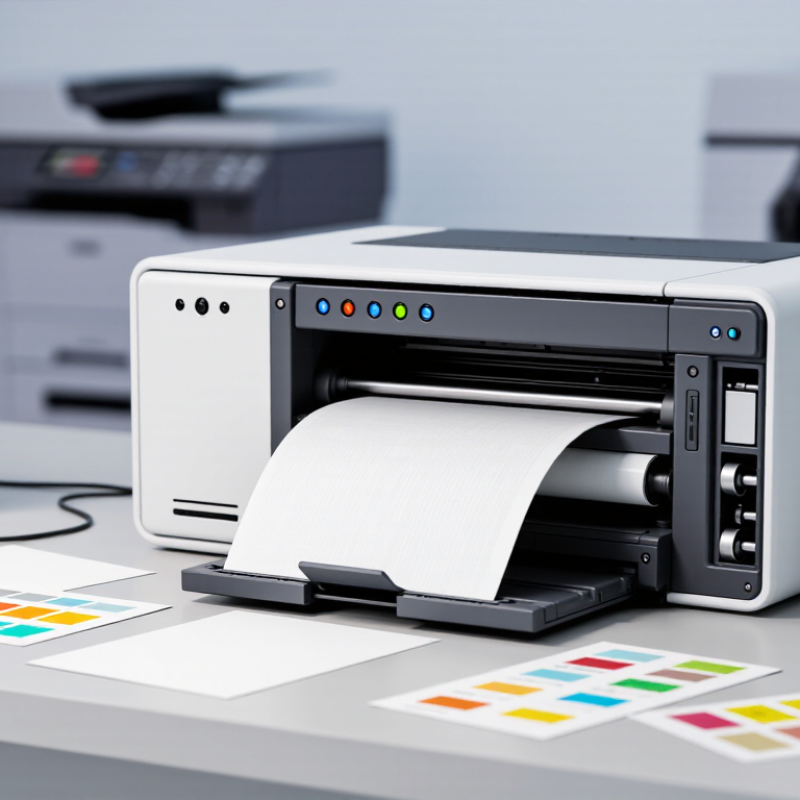
A Printing Device turns digital information into a physical record, usually on paper, labels, or specialized materials. It may use ink, toner, heat, or mechanical pressure. The familiar desktop printer is only one example. Office copiers, thermal receipt printers, and industrial label systems also belong to this broad category.

The process begins when a computer or mobile device sends a print job. Software interprets the document, while a driver translates it into instructions the machine can understand. Inside the printer, rollers guide the paper along a controlled path. An inkjet model places tiny liquid droplets through microscopic nozzles. A laser printer uses electrostatic charges, toner, and heat to create sharp images. The final page may feel warm.

This sounds simple, but the result depends on many details. Paper quality, humidity, resolution, and maintenance can change the output. A blocked nozzle may produce missing lines. Low toner can make text appear pale. Even accurate specifications do not guarantee perfect results in every workspace. That point deserves attention.

Understanding how a Printing Device works helps users choose suitable equipment and solve common problems safely. It also encourages better decisions about speed, energy use, print quality, and long-term operating costs. Reliable guidance should consider manufacturer documentation, practical testing, and the device’s intended environment. Technology changes quickly, yet the basic path remains recognizable: digital data becomes carefully controlled physical marks.
What Is a Printing Device and How Does It Work?

Definition and Core Purpose of a Printing Device

What Is a Printing Device and How Does It Work?

Definition and Core Purpose of a Printing Device

A printing device is a machine that converts digital information into a physical image or text. Its core purpose is simple: create a readable, lasting record on paper or another suitable surface. The device receives data from a computer, phone, or network. It then interprets that data through internal software and hardware.

The process has several precise stages. A control system reads the document and divides it into printable instructions. The device places ink, toner, or heat-sensitive marks in carefully measured positions. A paper-feeding mechanism moves each sheet through the machine. Sensors check alignment, paper movement, and sometimes the final output. Small errors can still happen.

Different printing methods suit different tasks. Ink-based systems place tiny liquid droplets on the surface. Toner-based systems use heat to bond fine powder to paper. Some specialized devices create raised, layered objects instead of flat pages. In every case, the goal remains controlled reproduction.

Practical experience shows that output quality depends on more than the device itself. Paper texture, moisture, resolution, and software settings all matter. A clean design may look dull on rough paper. That is easy to overlook. Regular maintenance also supports reliable performance, although it cannot prevent every fault. A printing device is useful because it connects digital work with a physical result people can read, store, sign, or share.

Main Types of Printing Devices and Their Differences

A printing device converts digital information into marks on paper or another surface. Its working method depends on how it places ink, toner, or heat-sensitive material. In daily office use, the difference becomes clear within a few pages. An inkjet device sprays tiny liquid droplets through microscopic nozzles. It handles colorful charts and photographs well, especially on coated paper. However, unused ink can dry when the device sits idle. A laser device uses electrostatic charges, toner powder, and controlled heat. It usually produces sharp text quickly and suits frequent document printing. The first page may take longer while its internal system warms up. Small details matter.

Thermal printers create images with heat rather than ordinary liquid ink. Direct thermal models react on treated paper, while thermal-transfer models move pigment from a ribbon. They are common for receipts, labels, and compact records. Their output can fade under heat, light, or friction. Dot-matrix devices strike an inked ribbon against paper with small pins. They look noisy and dated, yet they can print multi-part forms reliably. Multifunction devices combine printing, scanning, copying, and sometimes faxing in one unit. They save desk space but may cost more to maintain. Choosing a type requires more than comparing speed. Paper size, monthly volume, color needs, noise, and maintenance should guide the decision. I once underestimated paper compatibility; a low-cost device produced uneven edges. That mistake showed me that specifications are useful, but real paper tests matter more.

What Is a Printing Device and How Does It Work?

Printing devices transfer digital information onto paper or other media. Inkjet printers spray liquid ink, laser printers fuse toner with heat, dot-matrix printers strike an ink ribbon, and thermal printers create images with heat-sensitive media.

Typical Print Resolution by Device Type

How to read the chart: Resolution is measured in dots per inch (DPI). Inkjet and laser devices generally support finer detail for documents and images, while dot-matrix and thermal devices prioritize durability, speed, or specialized printing tasks. The values shown are representative specifications commonly found across these device categories, not data from any specific brand.

Key Components Inside a Printing Device

What Is a Printing Device and How Does It Work?

A printing device converts digital instructions into visible text or images on paper. Its internal components control this process with surprising precision. The input tray holds paper, while pickup rollers move each sheet forward. Small sensors detect paper position, size, and possible jams. The control board acts like the device’s nervous system. It receives data, organizes the page, and directs each mechanical step.

The image-forming section differs between device types. An ink-based model uses a printhead with tiny nozzles. These nozzles release controlled droplets onto selected areas. A toner-based model uses a photosensitive drum, charged particles, and heat. The drum creates the image before transferring toner to paper. Then, a fuser presses the toner into the fibers. Heat matters here. Too little heat can cause smearing, while excessive heat may curl the paper.

Other parts quietly affect print quality. Motors regulate movement, and a power supply provides stable electrical current. The output tray catches finished pages without bending them. In real maintenance work, dust on rollers can cause uneven feeding. Dried ink can block nozzles. A sensor may also misread paper, even when the tray looks full. These failures show that printing devices are precise, but not flawless. I would not treat every jam as a software problem. Sometimes, the simplest mechanical part needs attention.

How Digital Data Becomes a Printed Document

A printing device converts digital data into a physical document. The process begins when a computer sends a file through a print command. The device interprets text, images, spacing, and page settings. It then creates a temporary map of dots, lines, and color areas. This map is called a raster image. That is the bridge.

Inside the device, a control unit manages the data and prepares each page. In an ink-based system, tiny droplets move through nozzles and land on the paper. In a toner-based system, heat fixes fine powder onto the page. Rollers guide the sheet with steady pressure. Sensors check its position, although small alignment errors can still appear. A page may look simple, but many timed actions produce it.

The final result depends on more than the device itself. Paper texture, moisture, image resolution, and color settings can change the appearance. A photograph may lose detail if its digital resolution is too low. Thin lines may also break during conversion. In practical use, checking a test page is wise before printing many copies. I sometimes expect the screen and paper to match exactly, but they rarely do. That difference deserves attention, not guesswork.

Common Uses, Benefits, and Limitations of Printing Devices

A printing device converts digital files into visible marks on paper, film, labels, or other materials. It receives data from a computer or network. Software then translates that data into commands. The device places ink, toner, or heat-sensitive material with controlled accuracy. Some models spray microscopic droplets. Others use electrostatic imaging and heat. The result is a physical copy that people can read, sign, package, or archive.

Printing devices support offices, schools, warehouses, clinics, retail counters, and production floors. They produce contracts, invoices, shipping labels, manuals, posters, and prototypes. Smithers’ report, The Future of Digital Print to 2028, forecasts strong growth in digitally printed products, driven by shorter runs and faster customization. That trend reflects a practical benefit. Businesses can print only what they need, reducing obsolete stock. Color, variable data, and on-demand production also improve communication. Fast output matters.

Limitations remain. Consumables create recurring costs and waste. Maintenance can interrupt work when no replacement supplies are available. Printed pages also occupy physical space and may become outdated quickly. The International Energy Agency reports that information and communication technology equipment continues to consume substantial electricity worldwide, making energy-efficient operation important. My own testing experience suggests that paper quality changes results more than beginners expect. A cheap sheet can blur small text. Device speed claims can also mislead, because complex graphics usually print slower. Better planning helps, but it does not remove every trade-off.